The repository is opening up. Until it’s public, the GitHub links on this page may show “Page not found”. In the meantime, leave a comment on the MakerWorld or Thingiverse page and Isaac will see it.
Ways to help
Most of these need no code at all. A free GitHub account is enough, and you don’t need one to share a design.
Share a design
Lay one out in the designer and press Share. The link holds the whole design, so it works anywhere: a message, a forum, a printed QR code. If you think it belongs on the patterns page, send the link in a design idea.
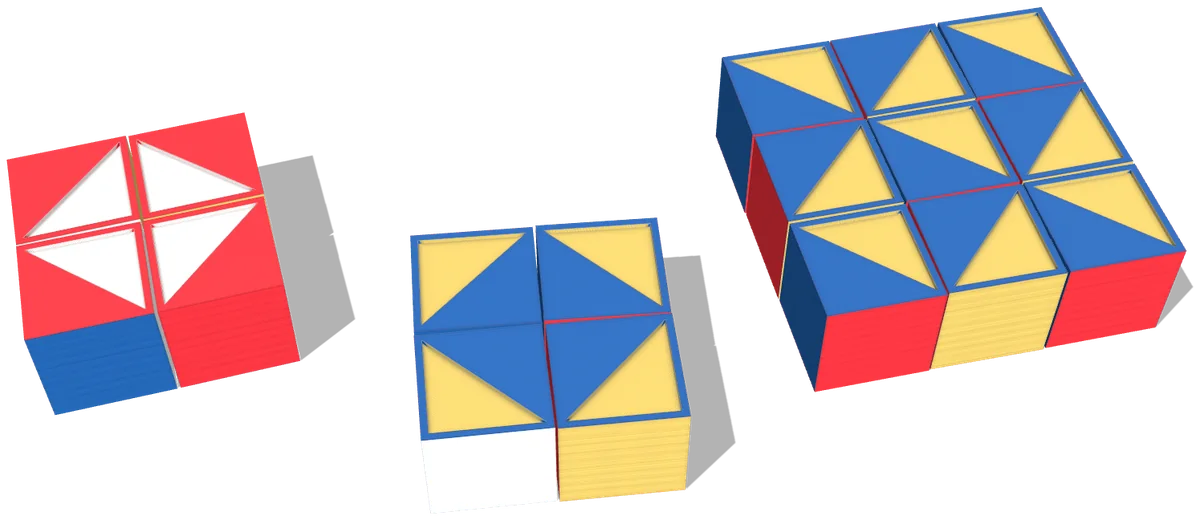
Designs that only turn around their center, like pinwheels, can read as a swastika, so they don’t go into the presets. Mirrored and repeated designs do.
Print a set and send a photo
Pictures of real prints help other people choose colors and settings. Post one as a Make on MakerWorld or Thingiverse, or attach it to an issue with your printer, filament and settings. Say if anything went wrong; that’s the useful part.
Report a problem
A file that won’t slice, a lid that doesn’t fit the tray, a page that looks wrong on your phone. Tell us what you did, what happened and what you expected. A screenshot or a photo saves a lot of back and forth.
Improve the code
The site is plain HTML, CSS and JavaScript with no build step. Trays, lids and cube plates are made in your browser by print3d.js, and the lid’s artwork is laid out by lidart.js. Fixes, faster code and support for more slicers are all welcome as pull requests.
Add or remix a model
A tray for another size, a drawer to keep the cubes in, a cube with rounder edges, a lid of your own. Models from other people go in their own folder with your name on them. Read what makes a good model first, then send it with the model form or a pull request.
How it works on GitHub
GitHub is where the files live and where changes are talked over. It looks technical, but everything below works in a web browser.
Send something in with an issue
The easy way, and fine for models and photos too.
- Sign in to GitHub. An account is free.
- Go to the issues and press New issue.
- Choose a form: a problem, a design idea or a model. Fill it in.
- Drag your photos and files into the box. Put a model’s files in one zip, or link to where it’s already posted.
- Submit it. Someone will reply on the issue, and add your work to the project if it fits.
Make the change yourself with a pull request
For code, and for models you’d like to put in place yourself.
- Fork the repository. The Fork button makes your own copy on GitHub.
- Branch. In your copy, make a branch for this one change, named for what it does, such as
tray-8x8. - Change the files. On the website, edit a file with the pencil button, or upload files with Add file. On your own computer, clone your fork and run
npm testbefore you send it. - Open a pull request from your branch. The form asks what you changed and how you checked it.
- Someone reviews it, may ask for changes, and merges it. Your name stays on your commits.
Setup, conventions and the full rules for code are in CONTRIBUTING.md.
What goes where
Code, models and designs each have their own place in the repository.
site/andworkers/- The website: its pages, the designer and the box designer, and the two small scripts that serve it. The 3D files are made by
site/js/print3d.js(trays, lids and plates) andsite/js/lidart.js(the lid’s artwork). tools/- Scripts that build the release files, such as
build_models.pyandbuild_print_files.mjs, andpresets.mjs, where the preset designs are listed, best first for each size. test/- The checks that
npm testruns. A change to the code should keep them passing, and a new feature should add one. models/andartwork/- Isaac’s 7×7 set, its lid artwork and the pattern sheets, built from his working files. A change here usually starts as an issue.
community/models/- Models from everyone else, one folder each, such as
community/models/drawer-7x7/. Each folder has aREADME.mdwith the author, license, print settings and a photo. - Designs
- A design is its link or its tray code, such as
74-25. Send it in a design idea. If it becomes a preset, it’s added totools/presets.mjsand the change credits you.
What makes a good model
Everything here should print first time for someone you’ve never met. Before you send a model in, check it against this list.
- Closed meshes. Every part is watertight, with no holes, loose faces or flipped normals. If your slicer offers to repair it, fix it at the source instead.
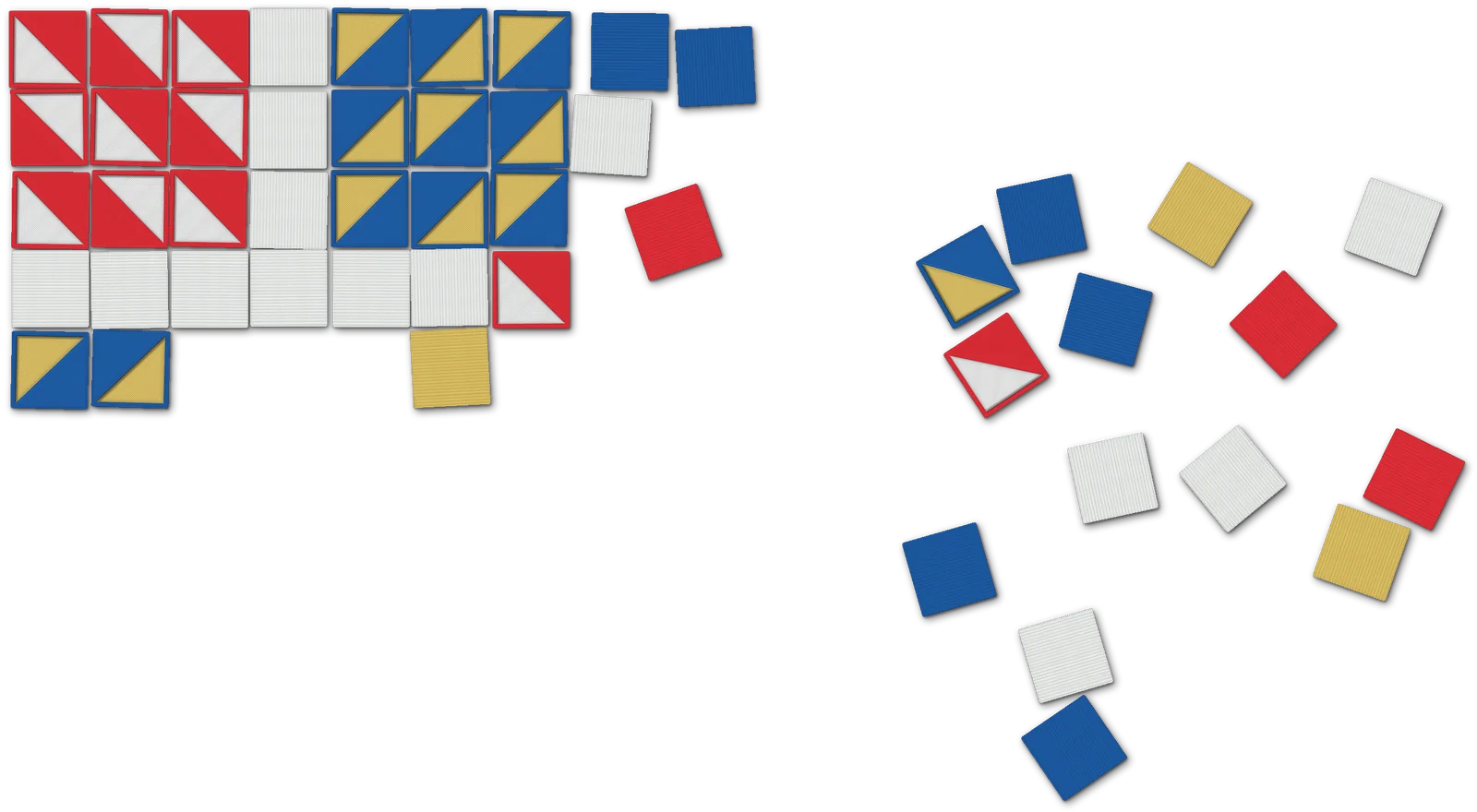
- Millimetres, at real size. Export at the size it should print. A cube is 26.95 mm, so anything that holds cubes should fit that.
- 3MF first, STL too. Send a 3MF, plus an STL of each part for slicers that want one. Add your source file (Fusion, FreeCAD, OpenSCAD, Blender) if you can, so others can change it.
- No supports. Lay it out to print flat, without supports or a raft. If it can’t, say why.
- One part per color, named by color. Split a multicolor model into one part for each filament and name the parts by color, like
cube-red.stl,cube-white.stlorlid-art-blue.stl. Use the same names for the parts inside the 3MF. - A photo of a real print. One clear picture of the thing printed from these exact files. Strip the photo’s metadata first; phones often store where a picture was taken.
- Your print settings. Layer height, walls, infill, filament and anything unusual, in the folder’s
README.md. - Yours to give. Your own work, or a remix of a model whose license allows it, with a link to the original and its author.
The license you send it under
What you send in goes out under the same license as the rest of its kind. You keep the copyright, your name stays on it, and everyone else gets the same rights you had.
- Code is under the MIT license: anyone can use it for anything, as long as the notice stays with it.
- Models, artwork and photos are under CC BY-NC-SA 4.0: free to print, share and remix with credit, under the same license, but not to sell. A model in
community/models/may use a more open license, CC BY 4.0 or CC0, if you’d rather.
When you commit, sign off with git commit -s. It adds a line with your name and email saying you have the right to send the work under these licenses, as set out in the Developer Certificate of Origin. The issue forms ask you to tick the same promise.
The sign-off shows the email your commits use. If you’d rather keep yours private, set Git to use the noreply address GitHub gives you.
The original toy from around 1930 is old enough to belong to everyone. These licenses cover the new work: the models, the drawings, the photos and the code.
